


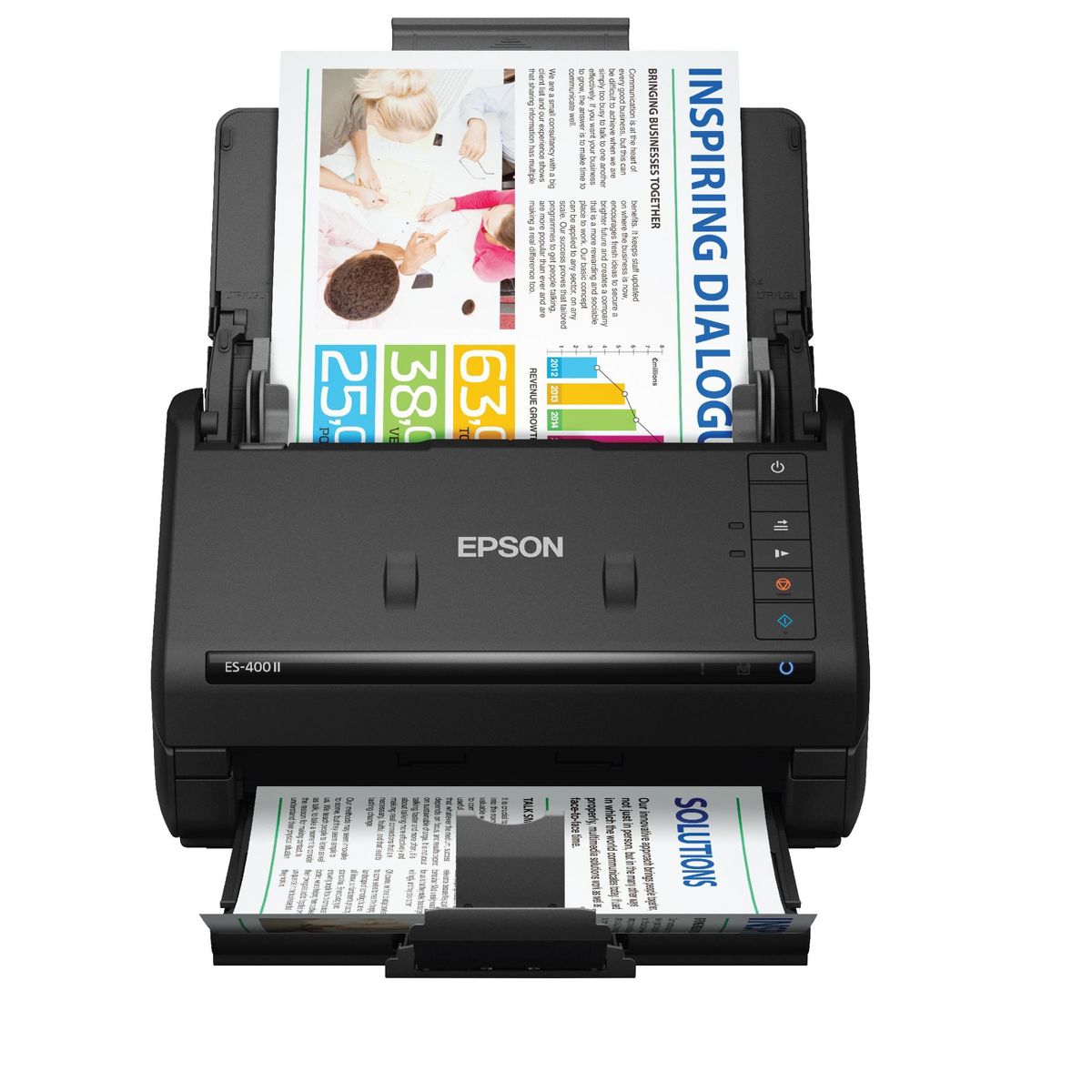
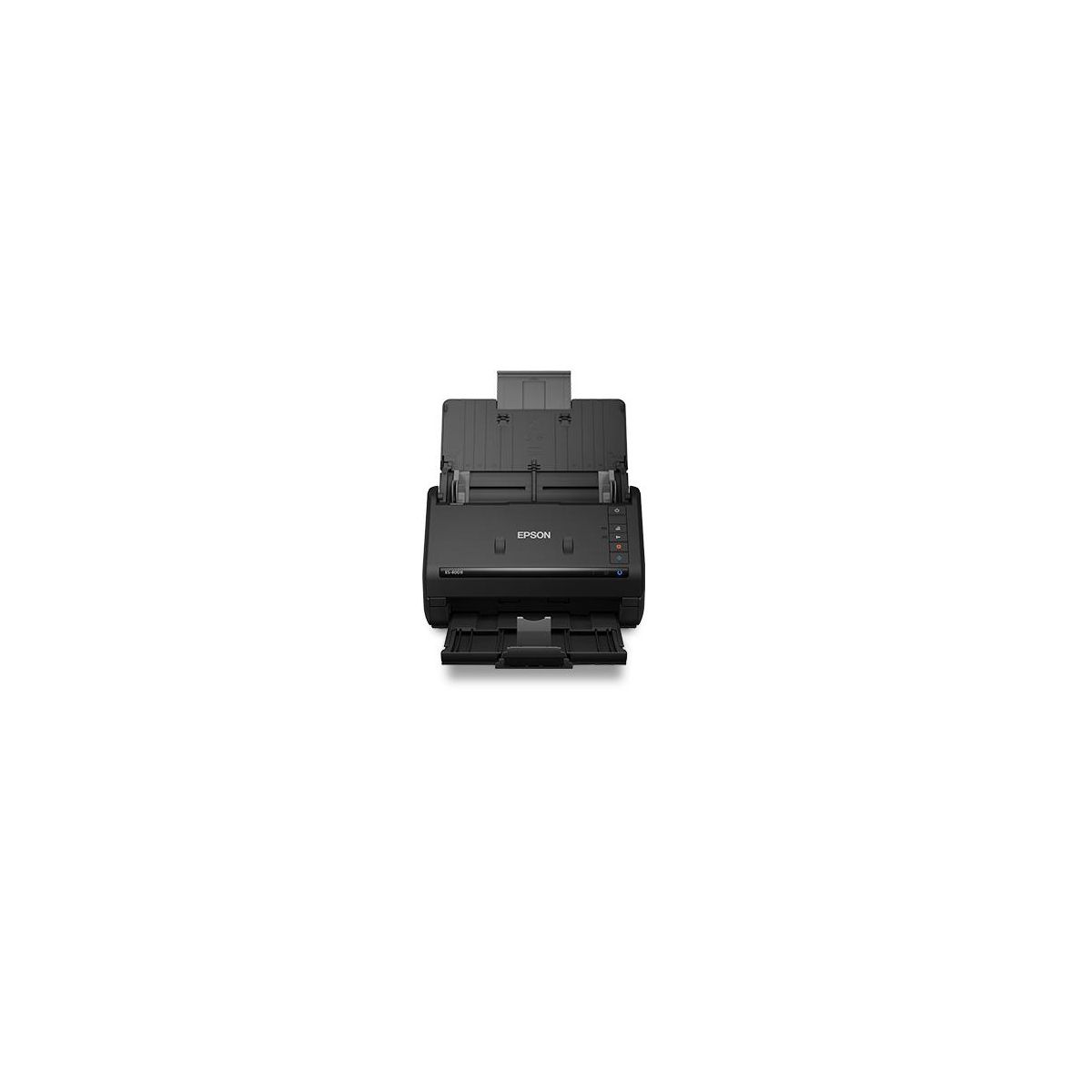
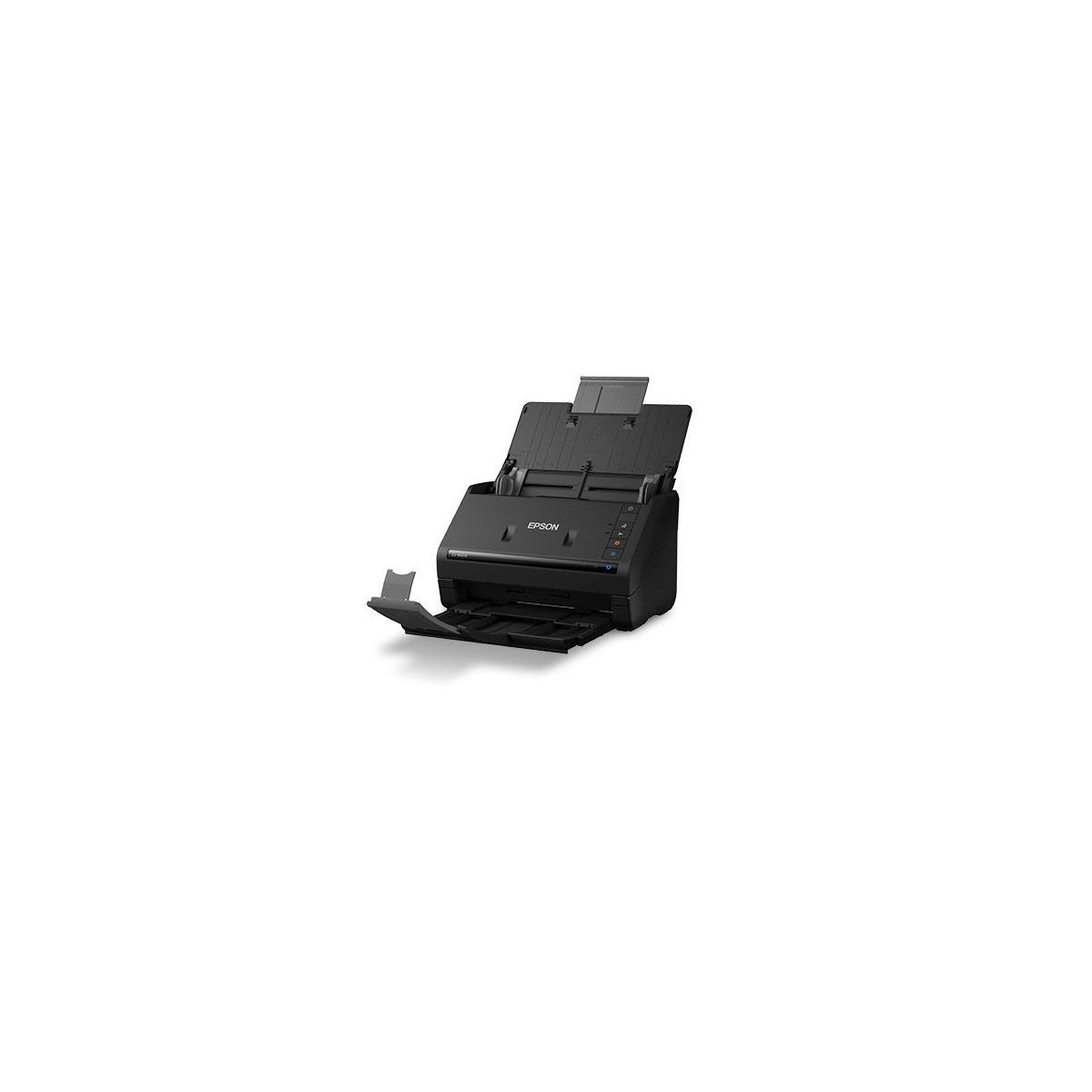
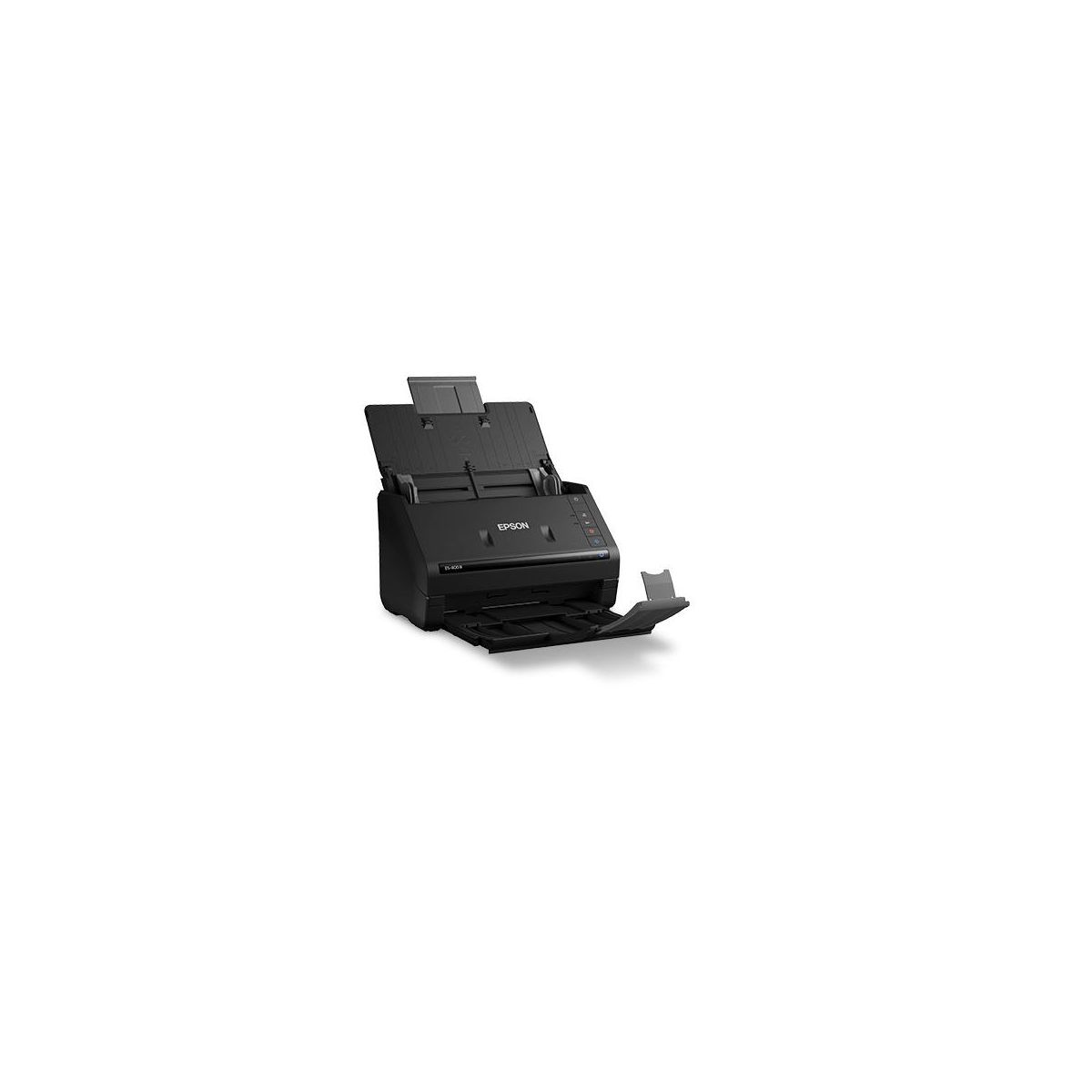
Epson WorkForce ES-400 II Color Duplex Desktop Document Scanner
Write a review
$29999 $37999

Epson WorkForce ES-400 II Color Duplex Desktop Document Scanner

Write a review
90022724
+
Add to wish list
Starget Electronics is a leading online electronics store offering a wide range of gadg...

City: US, New York

Delivery
Pickup at your own expense
Tomorrow from 09:00 to 20:00, Store location
Free
Payment options
Apple Pay Google Pay Mastercard Visa
Cash, bank card, credit/installment payments, cashless payment for legal entities
Warranty and returns
Exchange/return of products of proper quality within 14 days Official manufacturer's warranty: 12 months
Description
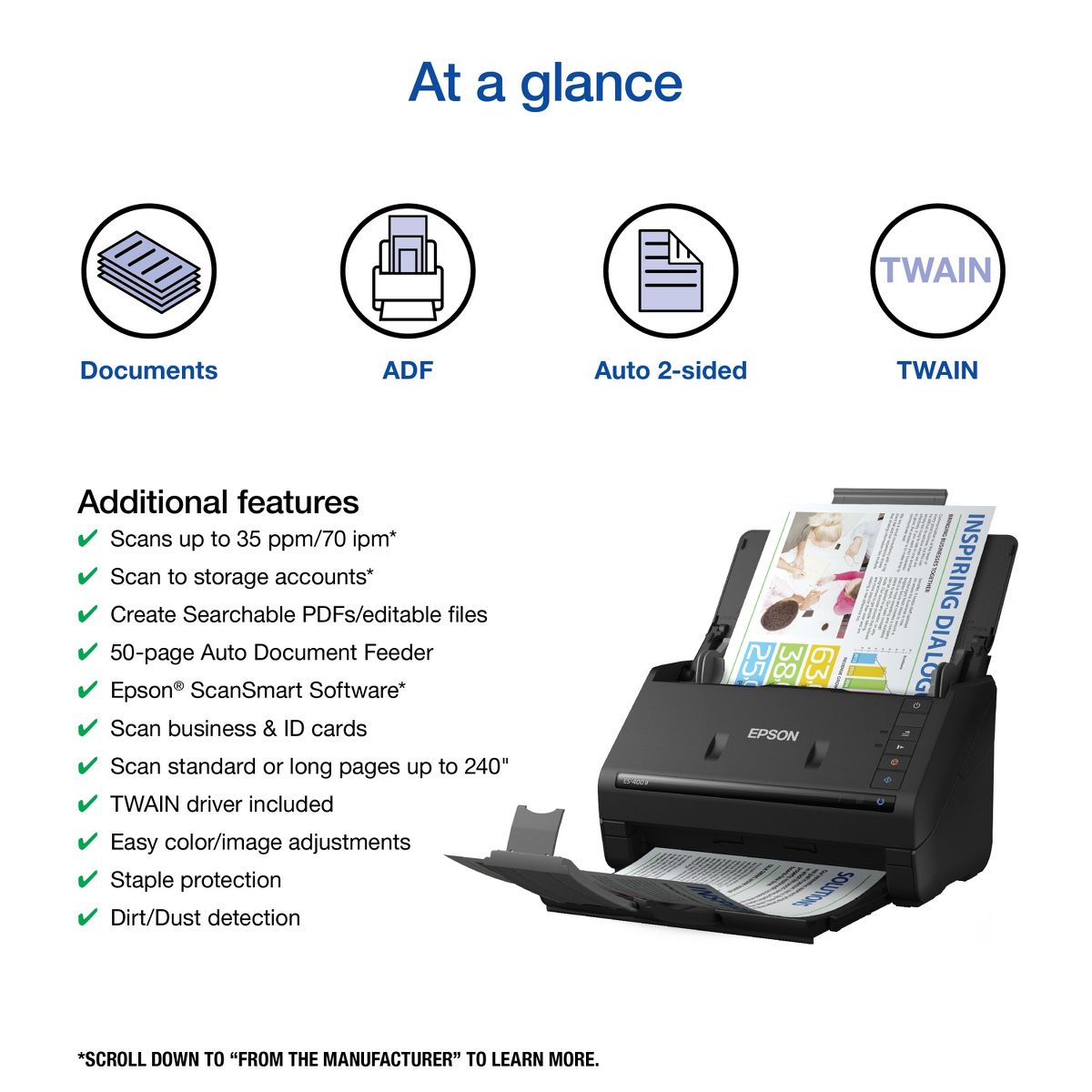
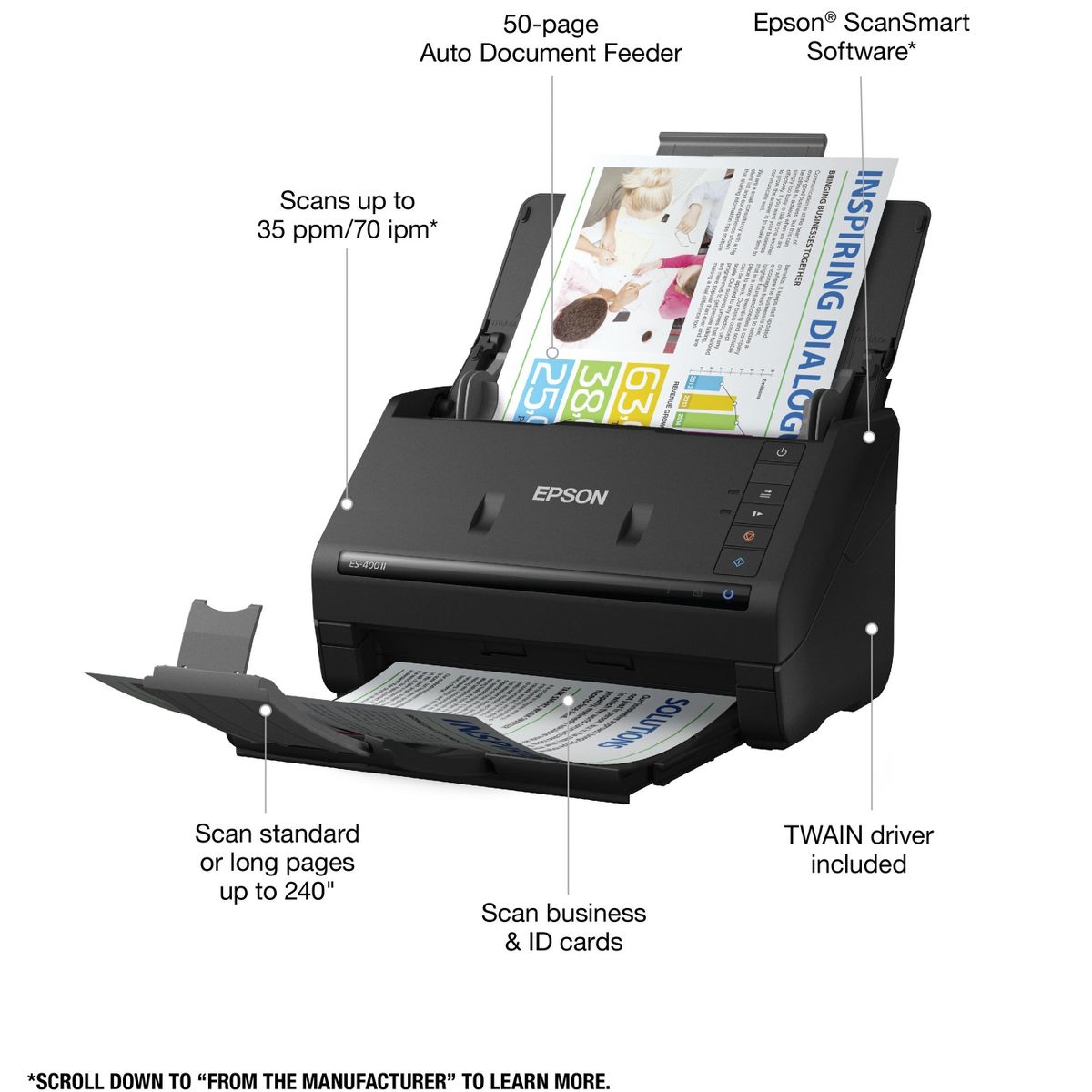
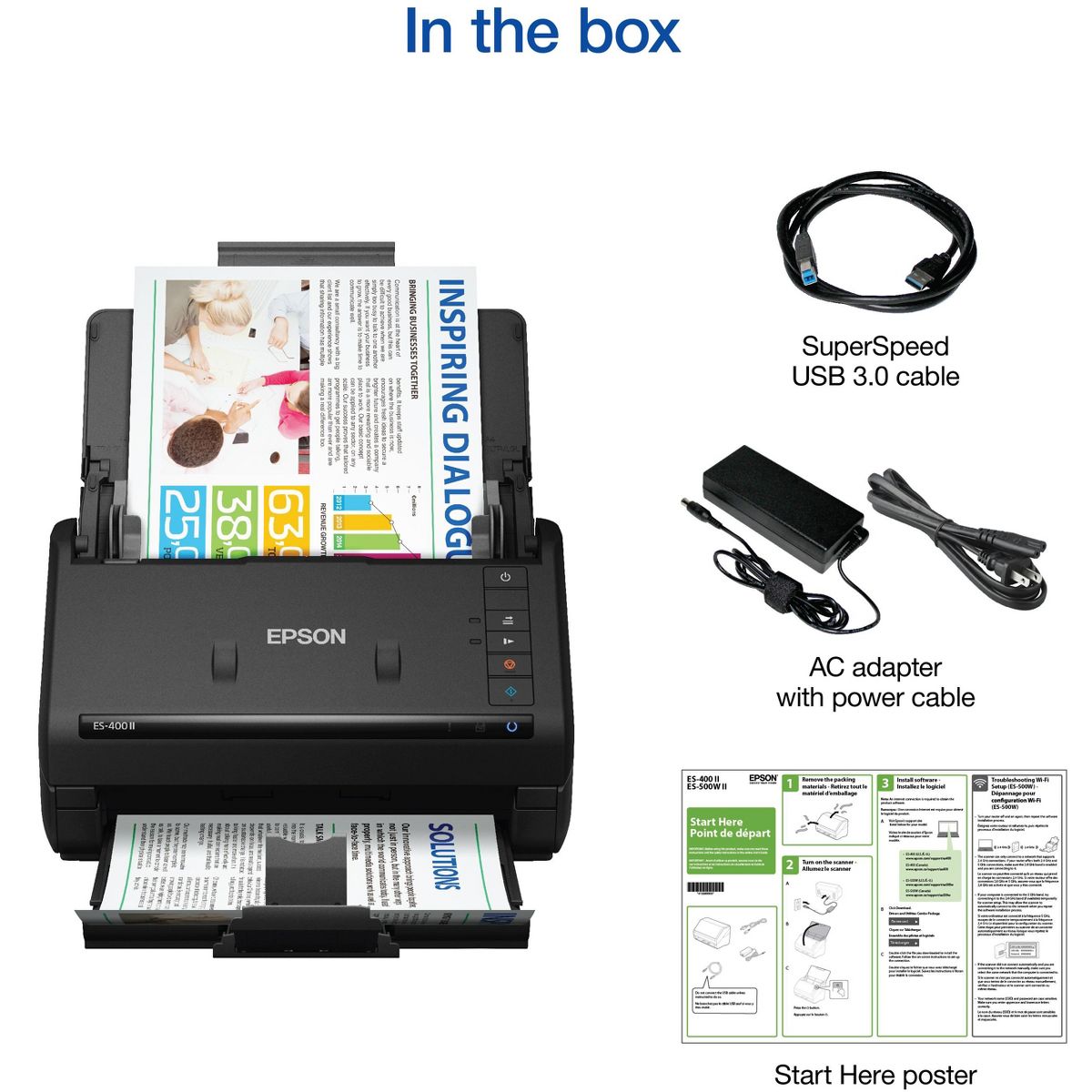
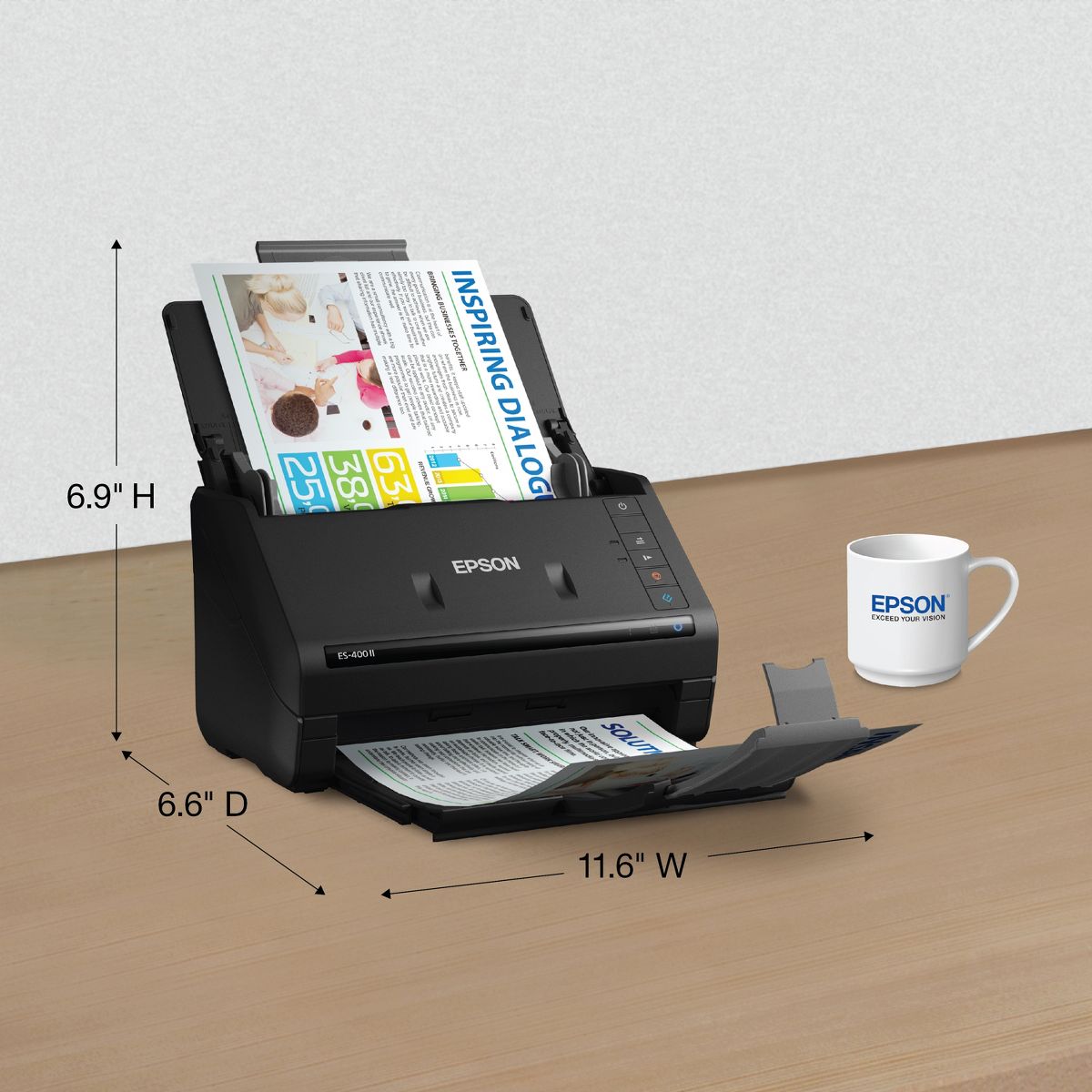
Get organized fast with the WorkForce ES-400 II duplex desktop document scanner. This reliable, easy-to-use performer speeds through scans up to 35 ppm/70 ipm, capturing both sides of each sheet in one pass. Its 50-sheet Auto Document Feeder allows you to breeze through stacks of documents of varying sizes. Intuitive Epson ScanSmart Software means you can easily preview, email and upload your scans. The included TWAIN driver ensures compatibility with most document management software. Scan to cloud storage accounts or searchable PDFs. Color and image adjustment features such as auto crop, dirt detection, staple protection and paper-skew correction help ensure remarkable image quality, whatever the scan.
Reviews
5
Reviews: 18
5 stars
100%
4 stars
0%
3 stars
0%
2 stars
0%
1 star
0%
BCHarris2022
5
Compact & Efficient!!!
I had to take back a smaller scanner and replaced it with this one. It is everything I needed and then some more. I am a Notary Document Specialist and I have to scan quite a bit of paperwork and this ES-400II more than fits the bill. It is small and convenient right on my desk and definitely within reach to load and press the scan button. It's fast too! I am so glad that I decided to spend a little extra to purchase this scanner. It is a perfect companion with my Epson ET-2850. m
Marie86
5
The best scanner
This scanner is my super helper doing my job, even it's take a bit of time but it's easy to install the software. It could scan 35 pages per minute so it definitely what I need for scanning my documents, that make my job done faster and the result is amazing. I also did scan some of photos and my kids drawings, very recommended.
slimazn
5
So Fast!
Wow this scanner is really quick at getting my documents scanned It is very speedy and a perfect scanner for in home or small business. It is small so fits on my desk perfectly. Installation was easy and quick to set up. I just needed to plug in the usb and download the program. There's options to adjust the scanned paper before saving onto my computer or email. Everything gets scanned in high quality and rapidly. I highly recommend this, it is a must have for small business.
Subu
5
Super Scanner!
I got this couple weeks ago and quite amazed by its performance. Compared to my previous printer/scanner combo devices, this scanner is just lightning fast! 35 pages per minute! The document feeder can be adjusted to different sizes from small picture sizes to large document prints (8.5 inches width and 53 inches length max). I like that has easy option to scan single or double sided documents and scans double sides in a single pass. One other huge plus for this scanner is the small size. This doesn't take office space and can be closed /folded to a small size. Setup was very easy with clear direction. The Epson ScanSmart software is very user friendly and provides many document editing and management functionality. This device is definitely a huge improvement if you constantly have to digitize documents/print media. The speed and quality is far better than having to use a printer/combo scanner or just taking pictures with the phone. Highly recommended!
RobertNYC
5
Fast an easy to use
I got my WorkForce ES-400 II Duplex Desktop Document Scanner and I could nit be happier. The machine is relatively small and does not take up a lot if space. Set up was quick just remove it from the box remove the plastic and plug it in, it comes with a special USB to go right into the computer. So you have everything you need. Then you simply go to tbe website and download and set up the software, this us the longest part of the whole set up, I have Windows 10 and the website knew what to download, after the set up, I just put my documents into the feeder, and hit the button, or scan via tbe computer, and it creates a organized PDF, that I can now save. You gave options to saving it to Google Drive or emailing, ExCEL, WORD, Evernote and more. I was able to take a 4 page invoice scan it in seconds into a PDF, if I used my flat scanner it would have taken 5 to 10 minutes to do something it takes seconds to do on the WorkForce ES-400 II Duplex Desktop Document Scanner. I highly recommend it.
Mulleka
5
Two thumbs up!
I was excited to get this scanner, and it didn’t disappoint. It is very easy to set up. Just plug it in, download the software, and it’s ready to go. It is quiet, and I specially love how compact it is. Another plus is that I don’t have to open the software every time I want to scan something. I can just put the paper in the slot and push the button. It also detects if there’s print/image on one side or both sides of the paper. All in all, this scanner is easy to use, and will be perfect for scanning my kids’ homework. I’m happy with it.
Nelsoncomputer
5
Fast and reliable.
I have used plenty of scanners, both flatbed and document feed. The Epson ES-400II Duplex scanner surprised me. To test setup and ease of use, I had my wife unbox, install software, and fire up the scanner. She does okay around technology but lets say it's not something she does often or cares to do. There were no issues with getting the scanner up and running. The scanner is solid, takes up very little desktop space, and is a speedy quiet running machine. To test we ran a few letter sized documents through the scanner. After the software is running, the ease of a push button on the scanner to start scanning is very useful. I was really impressed at the speed of the scans. All documents came out very well with no issues. Setting to two sided, I thought it would scan, flip, and scan again. But the ES-400II scanner does both sides with a single scan. If you have two-sided documents to scan this is a huge time saver. We then wanted to test the scanner with photos. We have well over 1,000 family photos that we wanted to scan. Setting the software to color and a resolution of 800 dpi we begain the process. We started by putting in one photo, push the button to scan, adding the next photo, rinse and repeat. We then tried feeding the photos in by hand one after the other. To our delight the photos scanned without any other intervention. This absolutely speeds of this process. We can highly recommend this for such a task. There were larger photos that would not fit but that is to be expected. I was certainly delighted with the results of most photos. We had a few that it had some trouble with and those may require touch-up in an editing program. This is a great scanner for many home applications, but for businesses that require multiple document scans, even double-sided, I can say I would look to this Epson for a great solution. For the record I have done beta testing for hardware in the past, and I'm not one to say something is good when it's not. I too read reviews and want honest opinions. This is a review for the Epson WorkForce ES-400 II Duplex Desktop Document Scanner that I received free of charge to do a beta test and review.
Charleneh71
5
Great scanner
Recently got an espon es400 ii scanner. The installation was very easy-to-use. However if it came with USB flash drive with the programs that wad needed, it would be easier to install the necessary drives. Especially when internet goes down The speed of the scanner is amazing and it scans double sided. Where has this scanner been my whole life. I have used it to organize my receipts for my taxes, expenses for my house. Etc. I am definitely telling my family and friends about the epson es 400 ii
Jenn01
5
Really Quick & Simple to Use
This scanner is great. The size is super compact, so I can put it away when I don't need it. This version is the wired version, but I would probably purchase the wifi version, since you wouldn't need the USB cable. The set up was very easy, though it did take some time for my computer to download the software, but once it was done, using the machine was a breeze. I like that when you are ready to scan, you just put the paper in the slot and press the button. You don't have to open a program or anything first. The program pops open when the scan begins. The program is very simple. It automatically detects if there is print on both sides of the paper or just one, so no need to have to make any selections ahead of time, which I like, so there is no chance that I will forget to do it. Once the item is scanned, the image or images pop up in the program and you have the chance to delete one of the pages if needed or to rotate them, or crop the image. Once you do this, it takes you to the screen where you can name the file and select where to save it and what type of file to save it as. You click save and you're done. It's really very quick to use once it's set up. This is a review for the Epson WorkForce ES-400II Duplex Desktop Document Scanner that I received free of charge to do a beta test and review.
Cari
5
Small, Helpful and Compact!
I am loving my WorkForce ES-400 II Deplux Desktop Document Scanner. It arrived quickly and was boxed up very nicely. I unboxed it and it's literally the perfect size for someone working from home on a laptop. You can put it anywhere. It fits anywhere and really don't take up any space! It was simple to set up, setup didn't take long at all. The instructions were simple and easy to understand. Once I set it up, it was ready to go. It's so easy to just scan some documents and it scans them pretty quickly, I might add. I scanned 10 or more documents in less them a minute. It was so simple and even if something got stuck, it's so easy to just open it up and take it out. Nothing hard about using this at all. It's very nice and convenient for me since I've been working from home. It's really making things a lot easier. I can even use my phone! I don't know how I managed without it for so long, so I'm very happy with it. The duplex capacity is another thing that I love about my WorkForce Scanner. I can't say enough great things about it. Easy to setup, easy to use, fast, convenient and compact! I have bragged about this product to my friends and family and have recommended it to several of them and told them how amazing it is to have with working from home! This is a review for the Epson WorkForce ES-400 II Duplex Desktop Document Scanner that I received free of charge to do a beta test and review.

Showing 10 of 18 reviews

Similar products
You may be interested
  • Bestsellers
  • Recently Viewed
 
Fast and high quality delivery

Our company makes delivery all over the country

Quality assurance and service

We offer only those goods, in which quality we are sure

Returns within 30 days

You have 30 days to test your purchase