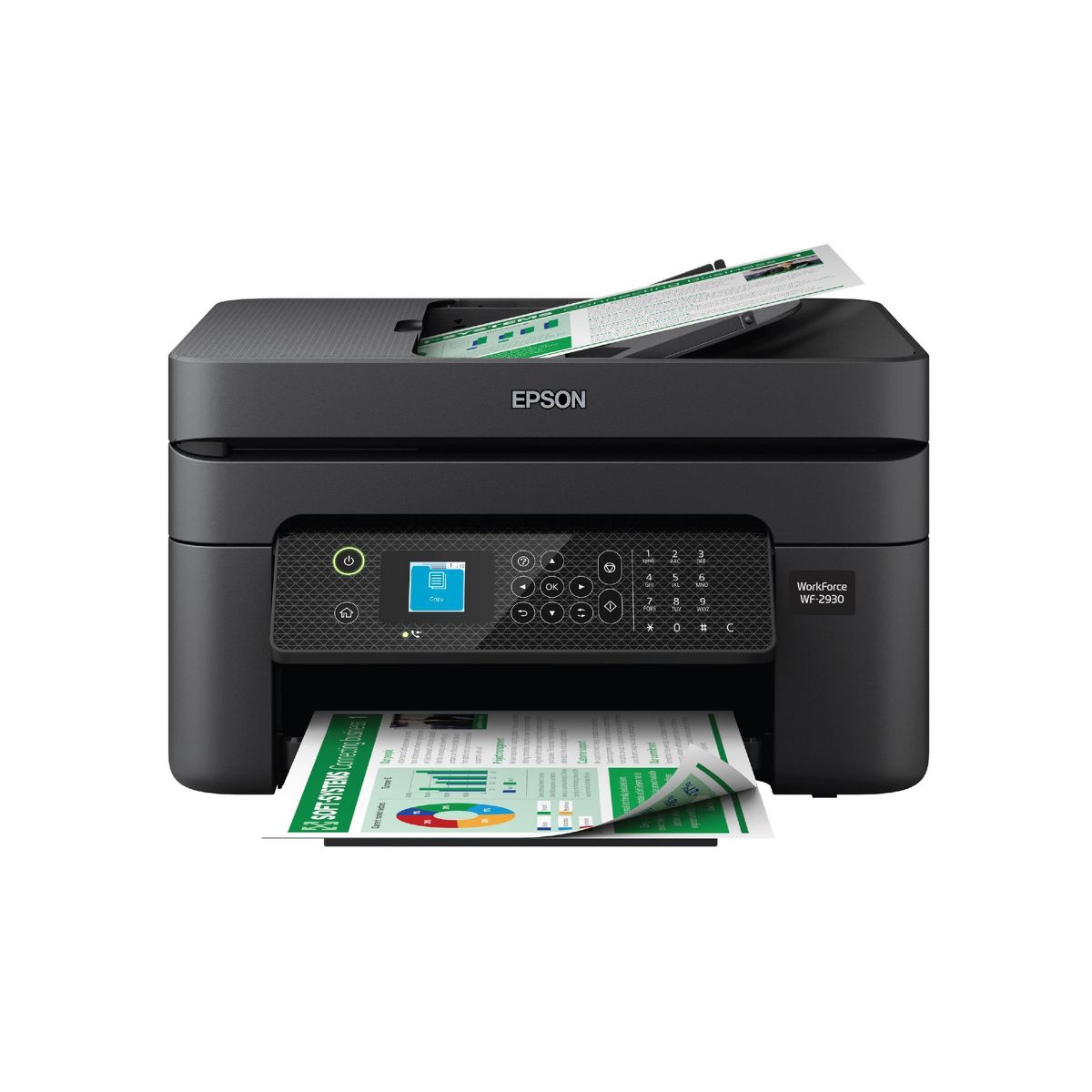


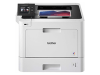

Epson WorkForce WF-2930 Wireless All-in-One Color Inkjet Printer, Copier, Scanner - Black: Smartphone App, USB, Automatic 2-Sided Printing
Write a review
$7999 $11999

Epson WorkForce WF-2930 Wireless All-in-One Color Inkjet Printer, Copier, Scanner - Black: Smartphone App, USB, Automatic 2-Sided Printing

Write a review
90762987
+
Add to wish list
Starget Electronics is a leading online electronics store offering a wide range of gadg...

City: US, New York

Delivery
Pickup at your own expense
Tomorrow from 09:00 to 20:00, Store location
Free
Payment options
Apple Pay Google Pay Mastercard Visa
Cash, bank card, credit/installment payments, cashless payment for legal entities
Warranty and returns
Exchange/return of products of proper quality within 14 days Official manufacturer's warranty: 12 months
Description
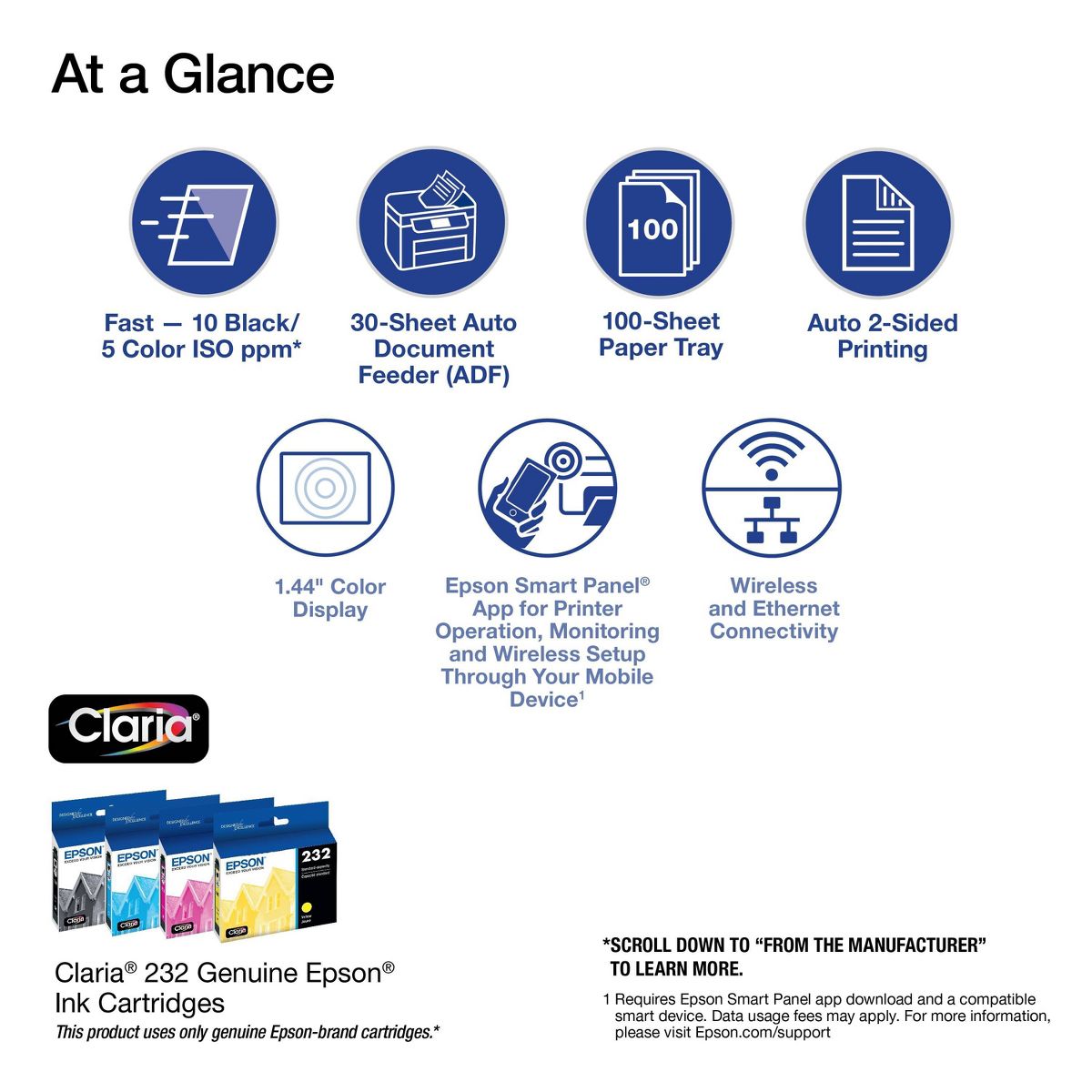
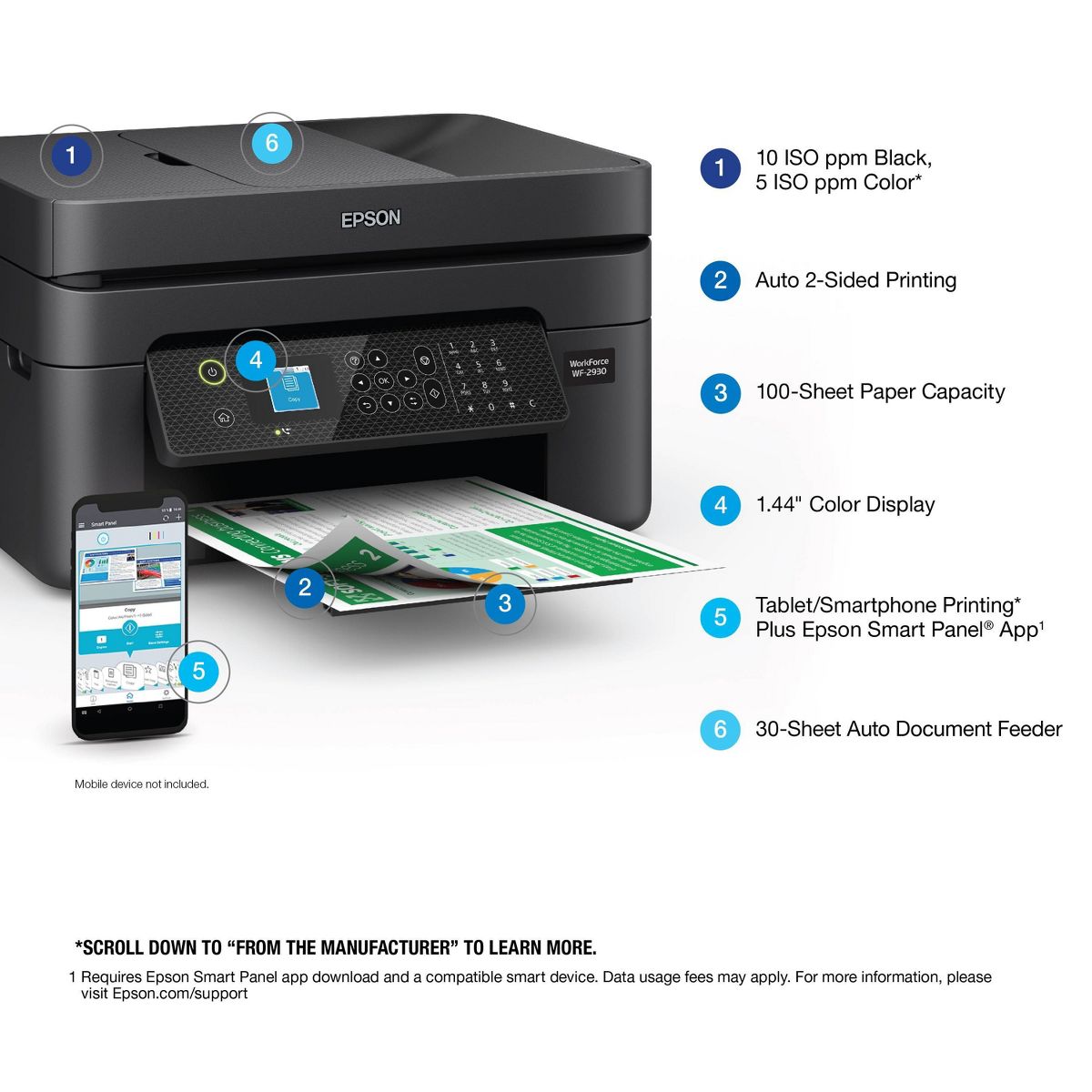
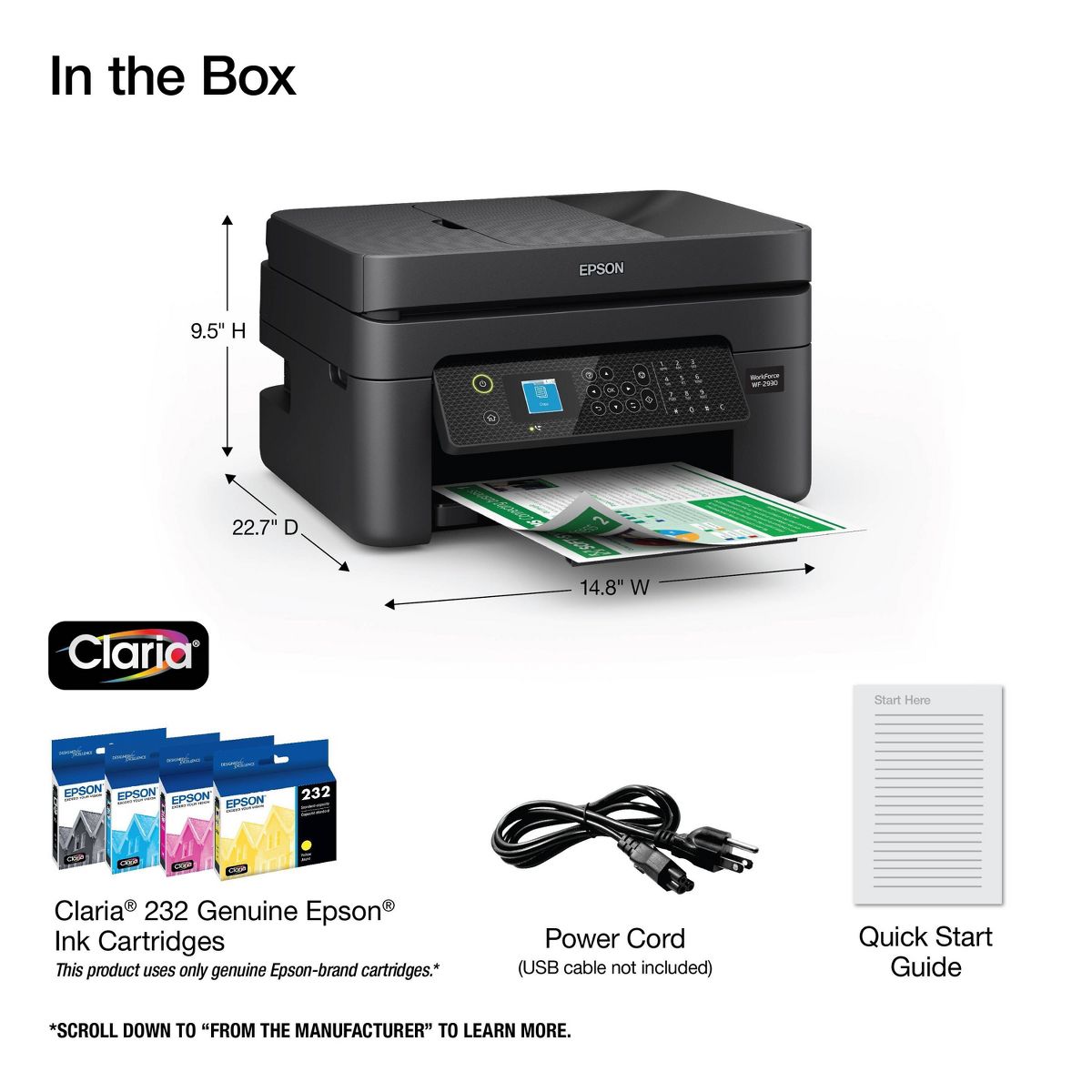
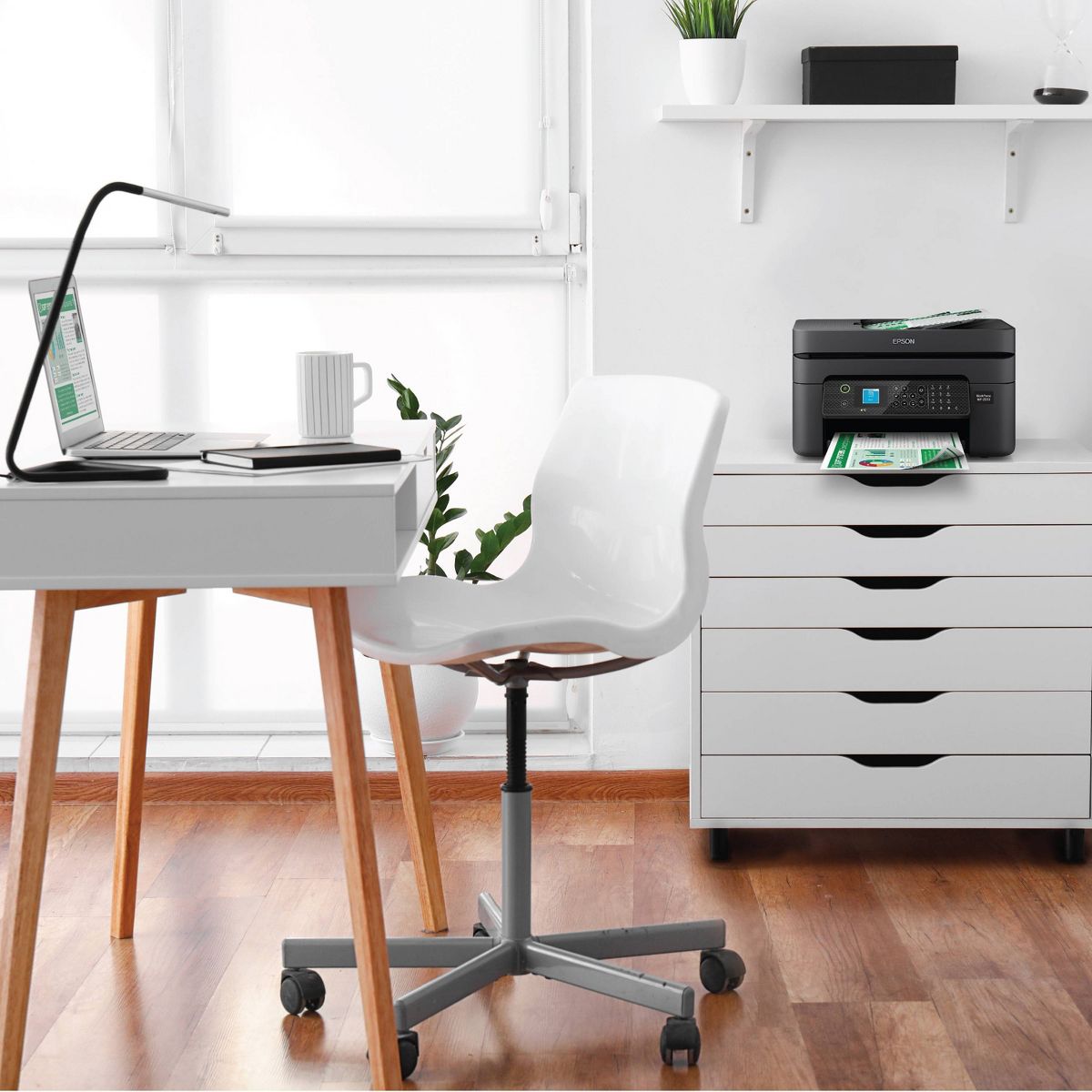
Enjoy hassle-free business printing with the WorkForce WF-2930. An efficient, all-in-one solution, the WF-2930 streamlines workflow with a built-in scanner, copier, fax and Auto Document Feeder. Perfect for printing presentations, contracts and corporate graphics, as well as occasional prints for the home or family, it features Epson’s industry-leading printing technology to consistently deliver documents with sharp text and vivid colors. Plus, with effortless setup and wireless connectivity, it’s the convenient choice for everyday home office printing.
Reviews
2.8
Reviews: 16
5 stars
38%
4 stars
6%
3 stars
0%
2 stars
6%
1 star
50%
Most Helpful Positive Review
RobHunt
5
Great printer for the home
Great printer for the home. I do not use the FAX , but use the printer and copier. A little slower than the HP printer I replaced, but adequate for home use. And half the price of the HP printer..
Most Helpful Critical Review
Kat
1
Do not get. Awful
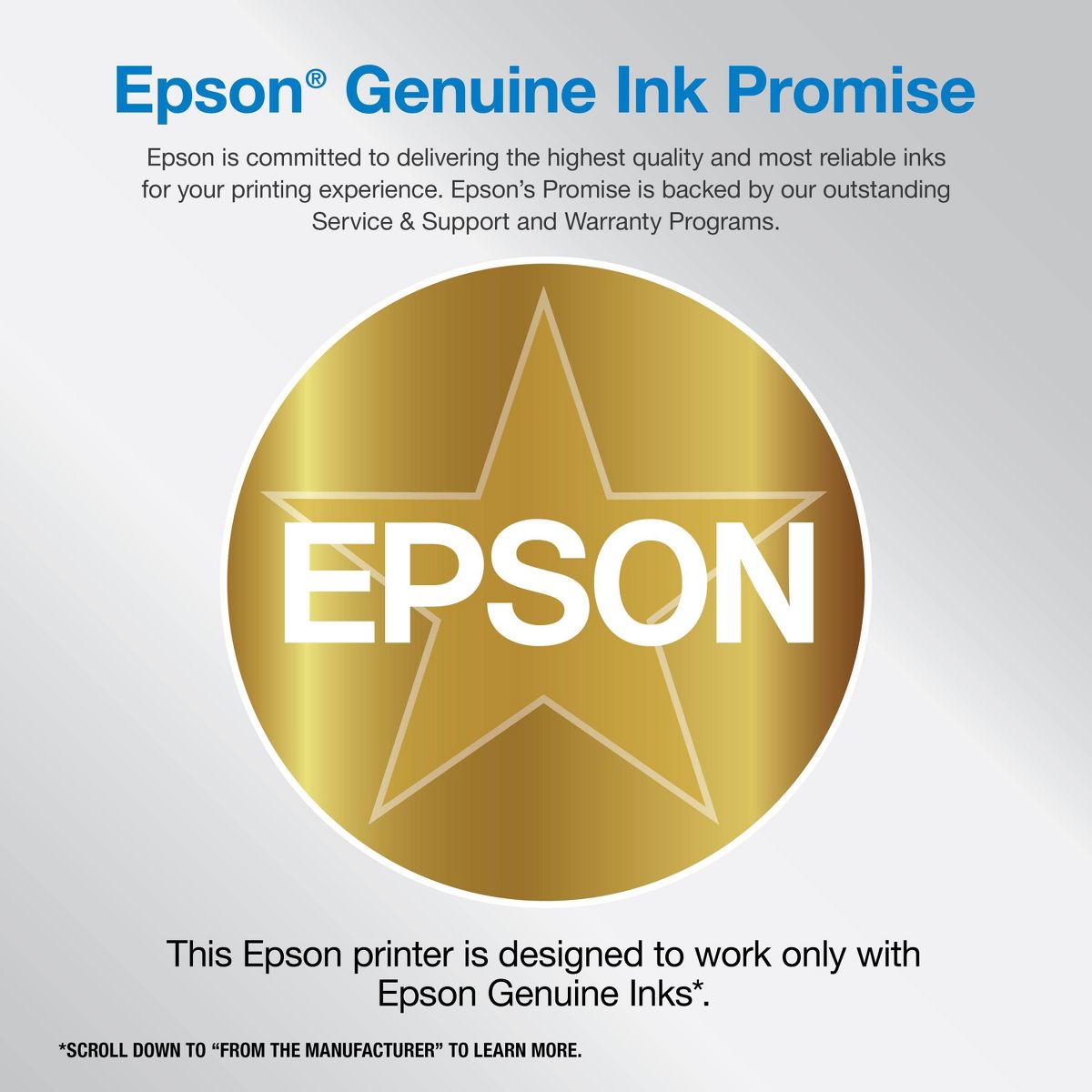
Had firmware update that does not recognize the generic cartridges I’ve been using since I got this. Criminal.
Ricardo
1
Dont do it
Do you value your insanity? This printer has been nothing but problems since the first week it will make you crazy when you need it the most when you need to print off gift cards, pictures, printing labels, etc. it’s causes fights in my relationship with my wife due to the fact of it having errors and miss printing And when you try to put aftermarket ink in it, it sends a message. Are you sure you really want to do this this will affect your printing and could cause issues. Consider this a warning if you purchase this and good luck to you.
Kat
1
Do not get. Awful
Had firmware update that does not recognize the generic cartridges I’ve been using since I got this. Criminal.
No le recomiendo
1
I do not recommend
the worst printer I've ever had
RobHunt
5
Great printer for the home
Great printer for the home. I do not use the FAX , but use the printer and copier. A little slower than the HP printer I replaced, but adequate for home use. And half the price of the HP printer..
Indy2025
1
Garbage EpsonWf-1930
I will never buy another EpsonProductWF-2940 less than a year had none but issues w/Allin one! Replaced ink cartridges that last very short time. An so many trouble shoot error messages Still won’t operate properly Piece a junk ! Had an HP that lasted me 5 yrs not 1 single issue .
epson is a rip off
1
DO NOT UPDATE YOUR FIRMWARE
bought this epson 2 years ago. worked OK until yesterday when I updated the frimware. Now none of my used to be compatible inks work. I WILL NEVER BUY AN EPSON AGAIN. I'm done. This is total BULL. Anything to make money - not from our company - NEVER AGAIN !!!
Pr
1
Printer
This is the second printer i get and the don’t work, and don’t let me get a refund horrible printer
Nol10
1
Extremely Disappointing Ink Cartridge Performance
I purchased a new ink cartridge for my WF-2930 printer and started meticulously logging every print and copy. According to my records, I printed 98 pages and made 53 copies, totaling 153 pages. I exclusively used the black and white option and never printed a single color page. Despite this, after just 153 pages, the printer displayed the message "Ink cartridge is not recognized. Please replace cartridge." How can a new set of cartridges (BK, Y, M, and C) be depleted after only 153 pages? This is completely unacceptable. This issue has happened before, but I didn't track my usage then. I suspected other family members might have used the printer, causing it to run out of ink quickly. That's why I decided to buy a new cartridge and keep a detailed log using an Excel spreadsheet this time. Now, the printer won't let me print anything. I am extremely disappointed with this printer and its ink cartridges. I strongly advise against buying this product.
Amir M
1
I do not recommend this printer in any way. It bothered me from the first day and I updated it last night. It doesn't read the ink anymore. Until now, all the ink I bought works for a while and stops working.
KARTHIKG
5
Great Printer with multiple features
WF-2930 printer is really great works really well. Print & Scan works with ease. Set-up guide and installation instructions are simple. It supports remote printing which is fantastic.

Showing 10 of 16 reviews

Similar products
You may be interested
  • Bestsellers
  • Recently Viewed
 
Fast and high quality delivery

Our company makes delivery all over the country

Quality assurance and service

We offer only those goods, in which quality we are sure

Returns within 30 days

You have 30 days to test your purchase