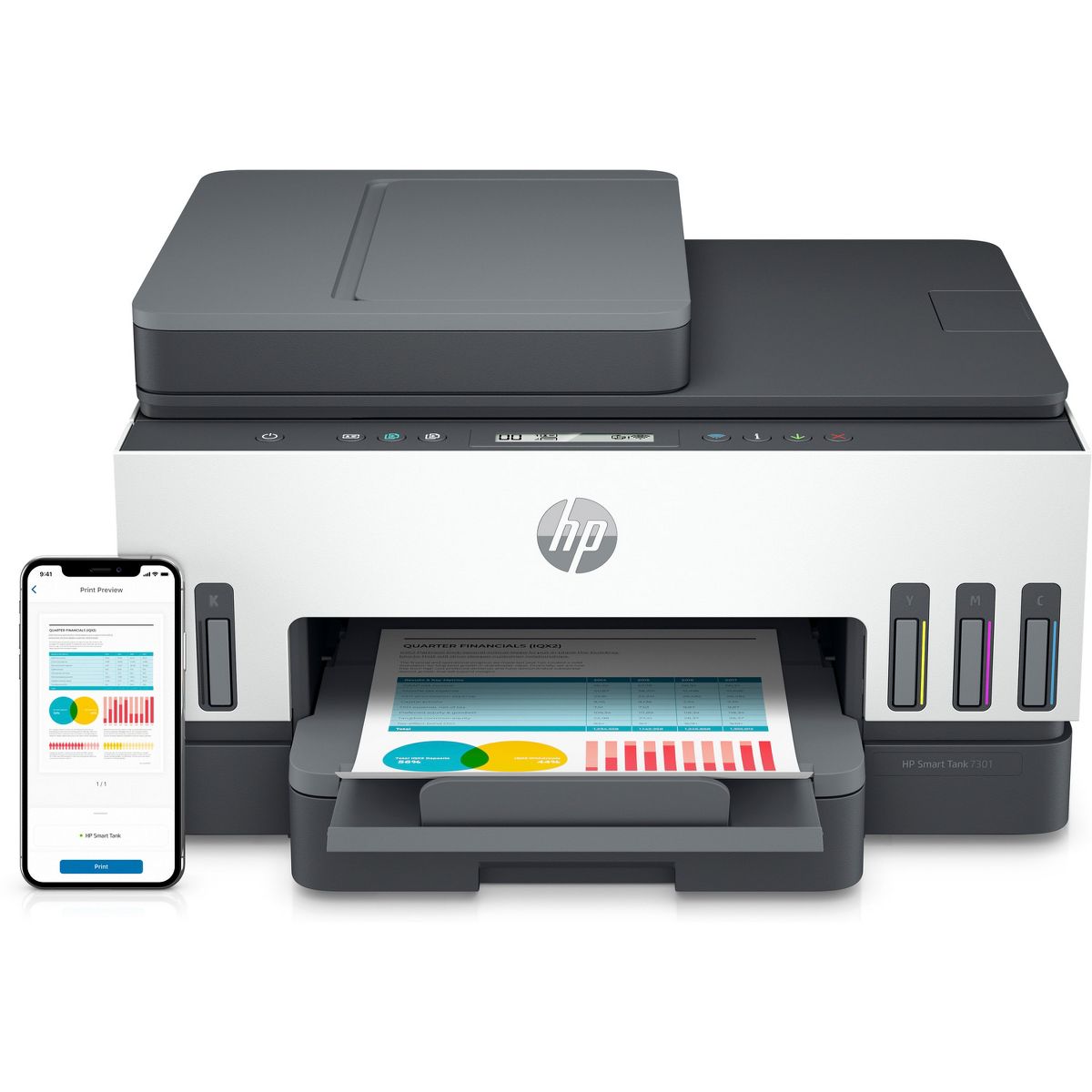


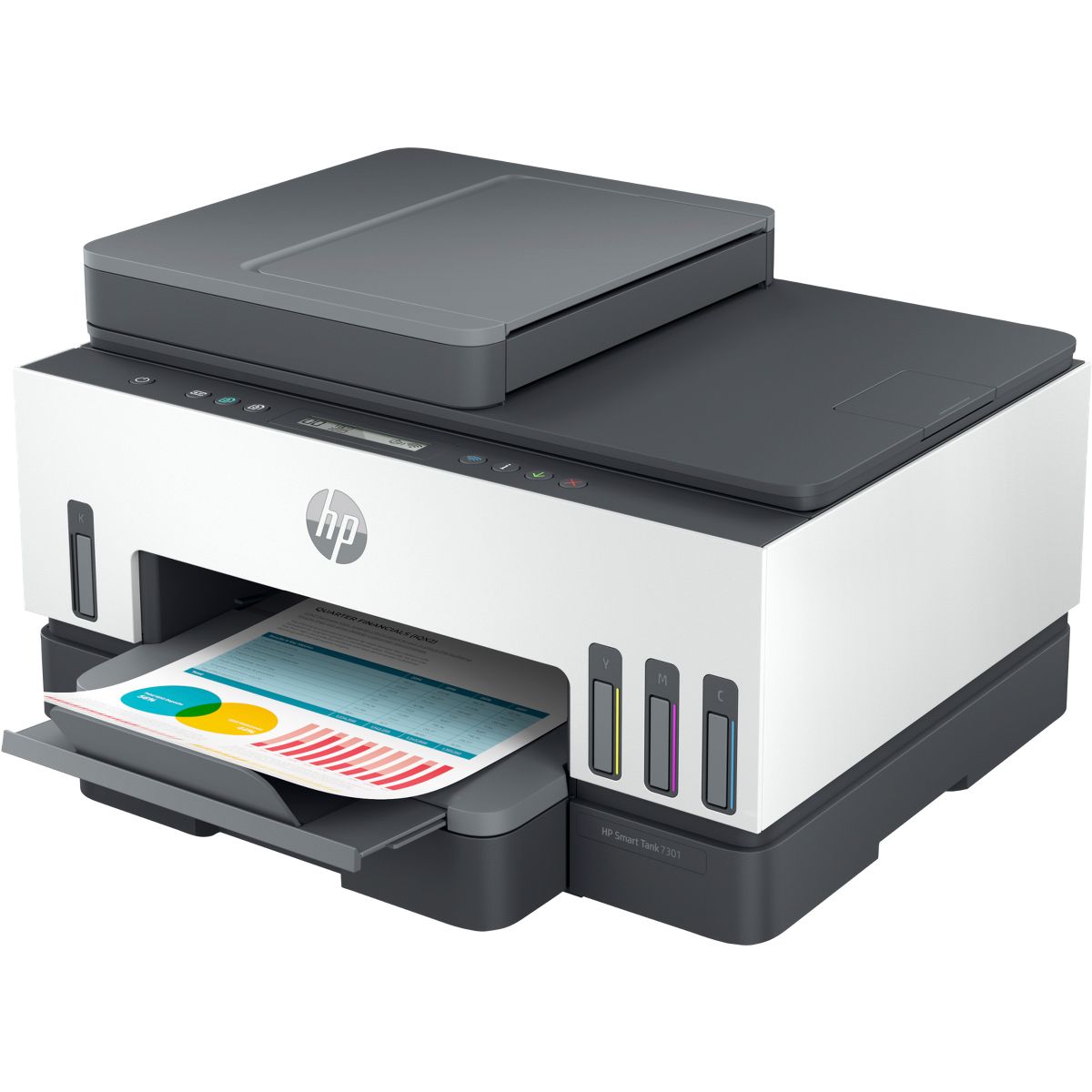
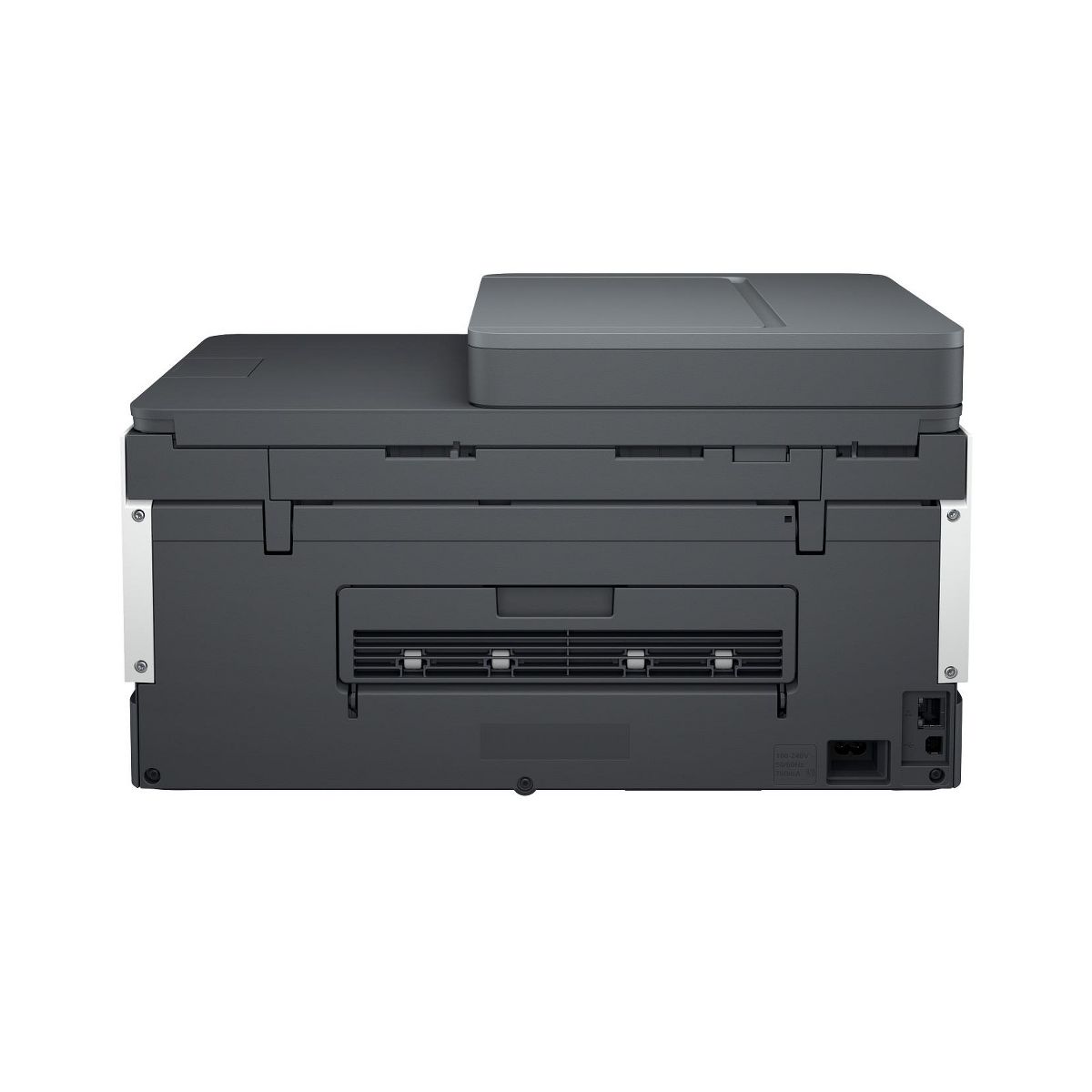
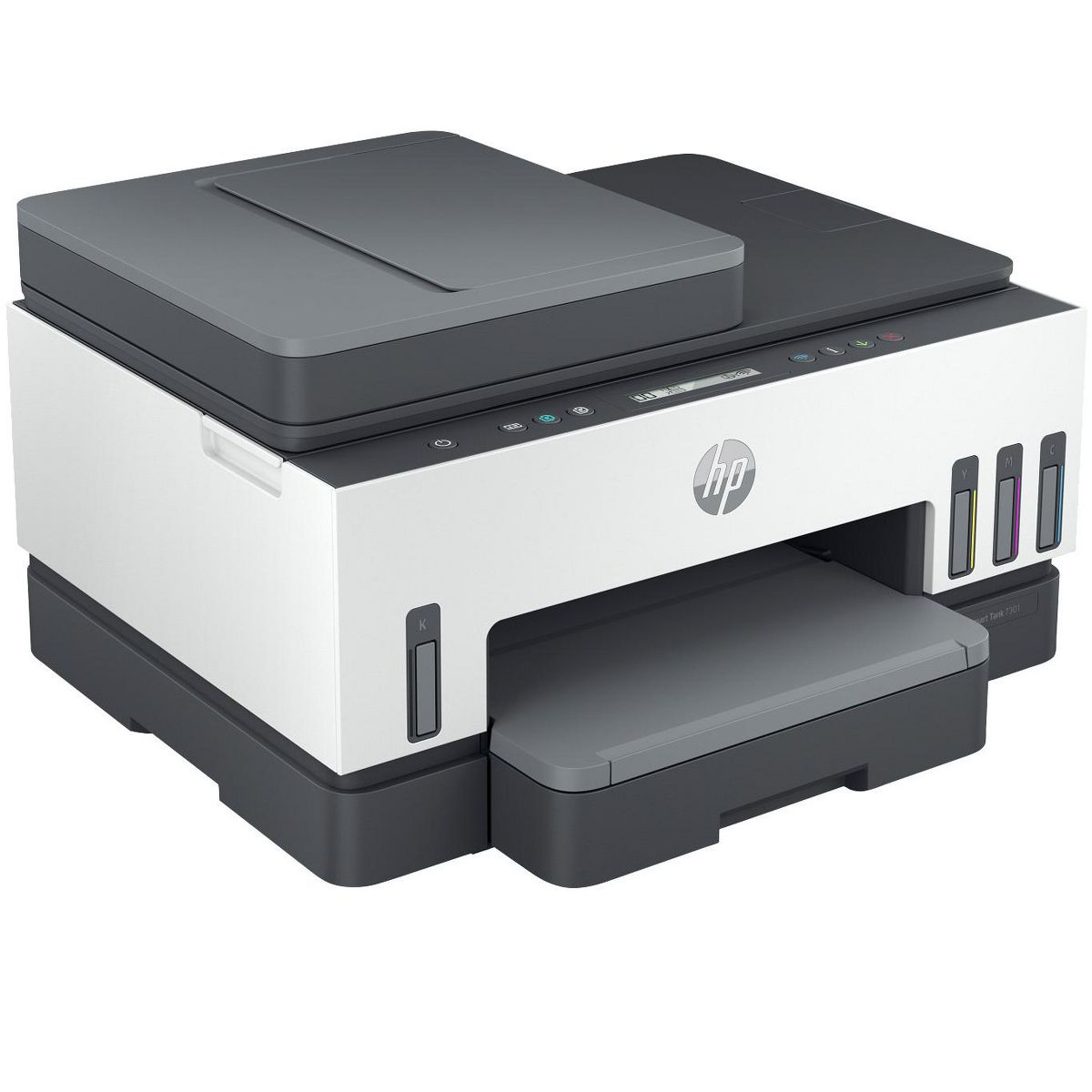
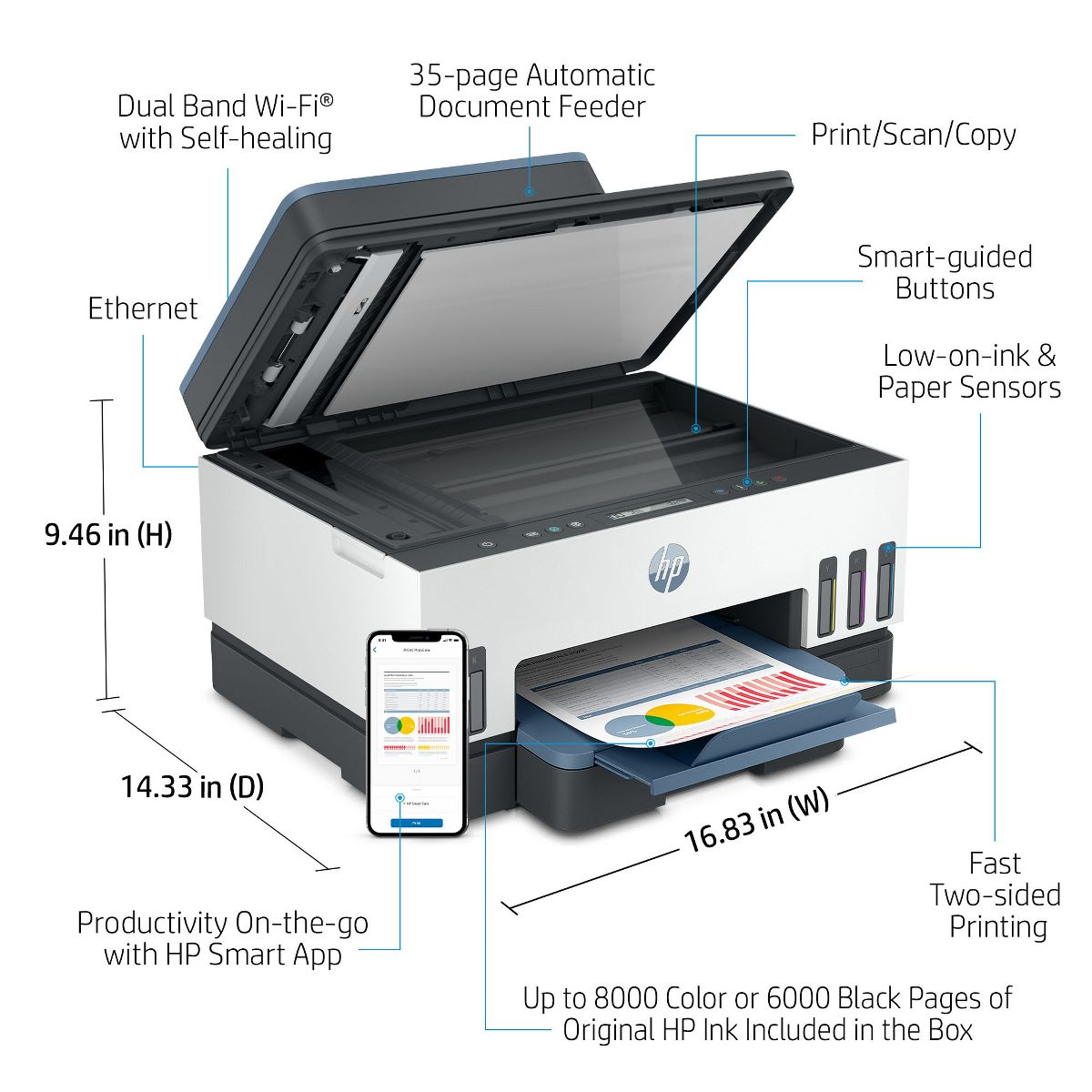
HP Smart Tank 7301 All-in-One InkJet Printer, Color Mobile Print, Scan, Copy,
Write a review
$30999 $44999

HP Smart Tank 7301 All-in-One InkJet Printer, Color Mobile Print, Scan, Copy,

Write a review
87718329
+
Add to wish list
Starget Electronics is a leading online electronics store offering a wide range of gadg...

City: US, New York

Delivery
Pickup at your own expense
Tomorrow from 09:00 to 20:00, Store location
Free
Payment options
Apple Pay Google Pay Mastercard Visa
Cash, bank card, credit/installment payments, cashless payment for legal entities
Warranty and returns
Exchange/return of products of proper quality within 14 days Official manufacturer's warranty: 12 months
Description
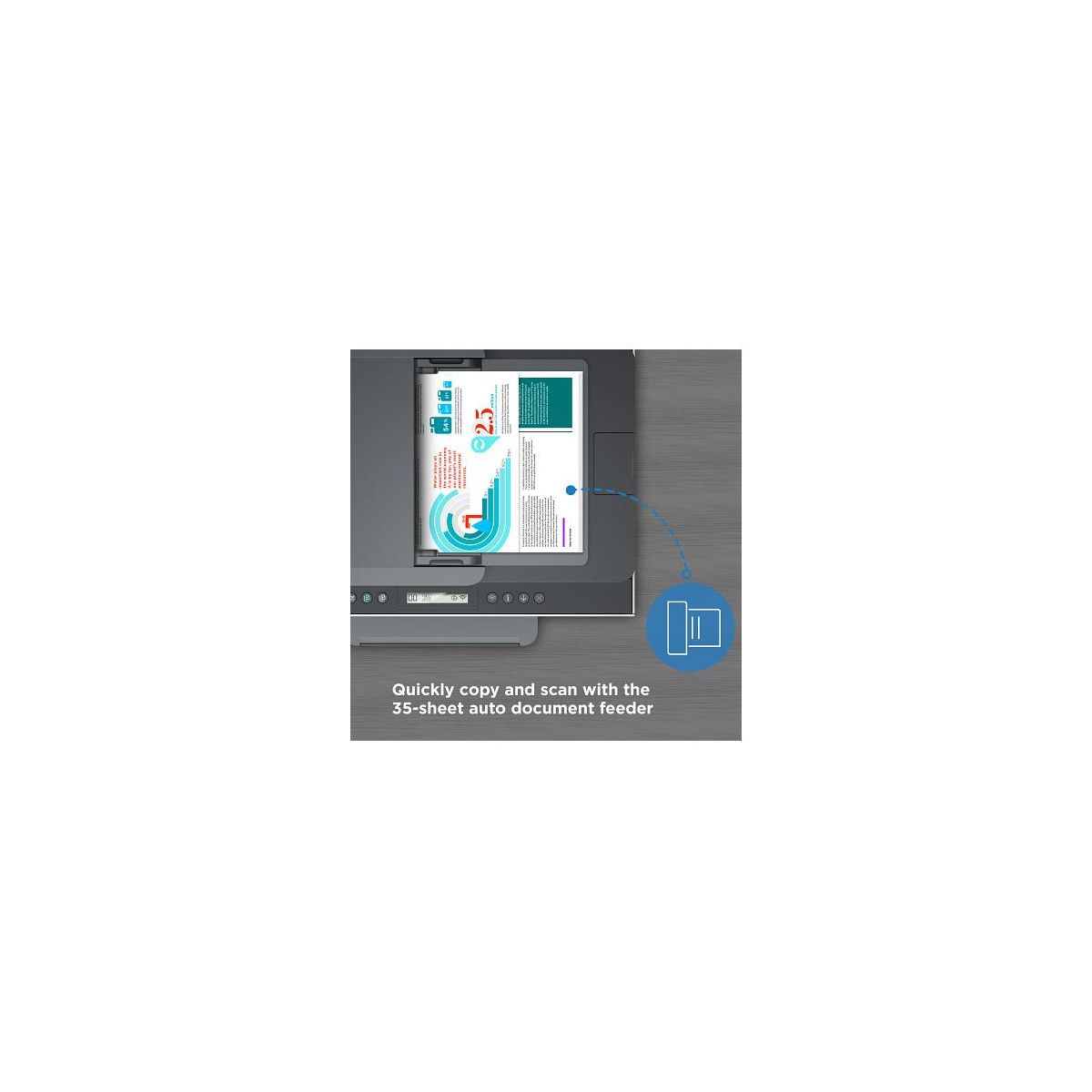
Overview - Printing is seamless from start to finish with a high-capacity ink tank printer plus automatic document feeder designed for the whole family. Get outstanding print quality at a low cost, with up to 3 years of Original HP ink included in the box. - Best for families who print a variety of color documents in high volumes Features Seamless printing for learning and work from home - Fast printing with up to 15ppm Black and 9ppm Color. Save time with a 35-page auto document feeder. Fully loaded with savings - Get up to 8,000 color or 6,000 black pages of Original HP Ink included in the box. Join HP in protecting our planet for the future. - Reduce plastic waste. Get up to 8,000 color pages or up to 6,000 black pages with Original HP ink bottle refills. Compatible Supplies - HP 32XL 135-ml Black Original Ink Bottle 1VV24AE; HP 31 70-ml Cyan Original Ink Bottle 1VU26AE; HP 31 70-ml Magenta Original Ink Bottle 1VU27AE; HP 31 70-ml Yellow Original Ink Bottle 1VU28AE Minimum system requirements - Windows 10, 7: 32-bit or 64-bit, 2 GB available hard disk space, Internet connection, Internet Explorer. What's in the box? - HP Smart Tank 7301 All-in-One Printer; HP 32XL Black Original Ink Bottle; HP 31 Cyan Original Ink Bottle; HP 31 Magenta Original Ink Bottle; HP 31 Yellow Original Ink Bottle; Ink caution flyer; Setup guide; Reference guide; Regulatory flyer; Power cord; For more information about fill and yield, Disclaimers - Based upon 200 pages per month of HP Smart Tank customers usage. Actual yield varies considerably based on content of printed pages and other factors. Average based on ISO/IEC 24711 or HP testing methodology and continuous printing. Some ink from included bottles is used to start up the printer. - Requires the HP Smart app download. Certain features/software are available in English language only and differ between desktop and mobile applications. Subscription may be required for some additional features. Internet access required and must be purchased separately. HP account required for full functionality. List of supported operating systems available in app stores. - Based on internal HP testing. Average timing estimate based on: 1) downloaded HP Smart app on mobile or desktop device, 2) setting up Shortcuts, 3) scanning jobs which have more than 2-3 tasks associated with them (scan to email, save and rename, store to cloud, etc.). Average timing savings comparison based on using printer and desktop scan software to complete similar scanning tasks. Requires the HP Smart app download and supported HP printer. - Wireless operations are compatible with 2.4 GHz and 5.0 GHz operations only. Wi-Fi is a registered trademark of Wi-Fi Alliance. Supports both 5.0 GHz and 2.4 GHz using up to 12 non-overlapping channels vs only 3 non-overlapping channels for 2.4 GHz only. Supports 5.0 GHz band (up to 150 mbps) vs 2.4 GHz band (up to 72.2 mbps). - HP ink bottles compared to HP ink cartridges. Cost per page based on expected black and composite (cyan/magenta/yellow) page yield results based on HP methodology and continuous printing of ISO/IEC 24712 test pages. Not based on ISO/IEC 24711 test process. Actual yield varies based on content of printed pages and other factors. Some ink from included bottles is used to start up the printer. For more information about fill and yield, - Black and composite color average per bottle (cyan/magenta/yellow) results based on HP methodology and continuous printing of ISO/IEC 24712 test pages. Not based on ISO/IEC 24711 test process. An additional black ink bottle is required to print 8000 color test pages. Actual yield varies based on content of printed pages and other factors. Some ink from included bottles is used to start up the printer. For more information about fill and yield, - When used in accordance with setup instructions
Reviews
4.5
Reviews: 27
5 stars
85%
4 stars
4%
3 stars
0%
2 stars
0%
1 star
11%
Most Helpful Positive Review
ANadas29
5
Pleased with my first cartridge-free printer!
This has been my first experience with a cartridge-free printer, and I was honestly a little worried that it might be a mess. I'm happy to say that the ink refill process was easy and completely mess-free! The package says that the printer comes with up to 2 years of ink, and at first glance the ink prices seem reasonable. In terms of performance, this printer connects and prints much more quickly than my old printer and is significantly less finicky. Since I don't typically print photos, I can't really speak to that, but everything I've printed has been clear and vibrant. If you plan to do any scanning, the hands-free auto feed is a nice feature. My one and only complaint about this printer is that although it supports duplex printing, it does not have a duplex scanner. This was slightly disappointing because manually scanning 2-sided documents can be a bit tedious. Overall, the HP Smart-Tank 7301 seems to be a pretty solid printer. While the lack of a duplex scanner was a little bit of a letdown, I think the easy setup and quick connectivity make this an excellent option for anyone on the market for a reliable home printer.
Most Helpful Critical Review
Disappointed J
1
Incredibly dissapointed
After being a technology leader for 40 years this printer is the most unreliable I have purchased. Ok to install and on the odd occasion it works the printing is fast and of a fantastic quality. I had a relatively new inkjet (hP) but wanted the ink tank version simply for environmental and cost saving as I am retiring soon. The printer has print head errors every 2nd of third attempt to print. Currently i cant print nor scan.
Jan5709
1
Design Fault
I purchased this HP Smart Tank 7305 printer/scanner in August 2023 because I was impressed with the longevity and price of the ink bottles as compared with cartridges. Six months later, due to a fault of dragging double pages through when scanning, though not when copying, I got a replacement. 18 months later, I had the same fault with that one. Now I'm onto the third machine and after only 5 days I got same fault yet again. Clearly, this model has a design fault. Ref: CRM:0079503102948
BruceW
5
Nice unit.
Great little unit. Easy to set up and the wifi works really well. Love the print quality.
Peter61
5
Easiest Set Up Ever
I bought this to replace a previous HP printer so already had the software and a knowledge of how to use it. This is the easiest and best set up guide I have ever used, straight forward and exactly as the guide. An easy printer to use, with every function and the ink tanks seem to be doing a lot of printing and not going down ! If you need easy set up and good running costs this printer delivers
Disappointed J
1
Incredibly dissapointed
After being a technology leader for 40 years this printer is the most unreliable I have purchased. Ok to install and on the odd occasion it works the printing is fast and of a fantastic quality. I had a relatively new inkjet (hP) but wanted the ink tank version simply for environmental and cost saving as I am retiring soon. The printer has print head errors every 2nd of third attempt to print. Currently i cant print nor scan.
Zzquanzhou
5
Love this
Having the HP Smart Tank printer for a few months has been very nice for me. The ink tanks are a breeze to refill and last very long time, so I never worry about running out of ink. The print quality is amazing—sharp and vibrant, whether it’s documents or photos. Setting it up wirelessly was a snap, and the HP Smart app makes printing from my phone super easy. All in all, it’s been a reliable and cost-effective addition to my home office.
Calum G
1
Rubbish printer keeps going offline
Printer off line Every couple of weeks I need to unplug the printer to tr set iHP t. I use the HP app to scan a document all good then I san a second document and the printer is offline. Had a 7600 tank printer for years and never had this drama. Unfortunately the printer got damaged. I will be taking this 7305 pri nter back to place of purchase to see if I can replace it with another
Adri022
5
Great Printer
This printer was very easy to set up. I just followed the instructions on the HP app. The main thing I love about this printer is that I don't have to deal with cartridges or toners anymore. The printing quality is amazing and printing is fast and quiet. Overall this printer is a great, cost-effective choice for home or a small office.
HomeTheaterEnthusiast
5
Say goodbye to the old print cartridges...
Set up - easy to put together and set up on my home network. Ink filled into their respective receptacles. Function: 1) Prints fast and accurate and fairly quiet. 2) Used photo (paper 4 x 6) to print family photos...worked very well and printed photos in about 30sec or less. Overall - great printer for home and even business use, very versatile...1 of the selling points of this printer to me was the ink delivery system, getting rid of ink cartridges and toner. The other selling point was having about years of ink on hand and not having to worry about buying ink for a while.
fanyida
5
A colorful printing delight
I have to say, I thoroughly enjoyed using the HP 7301. Unlike my old printer, which only does black and white, this one offers wifi printing, scanning and color printing, which I love. The quality of both scanning and printing is quite impressive. What I particularly liked was the "printable" option in the HP Smart Print app. It offers a variety of fantastic templates—I even used it to print a set of monthly planners. Additionally, I printed a graduation card for my friend, and she absolutely adored the design. It's been a fantastic start to my May.
Hillary14
4
Easy installation
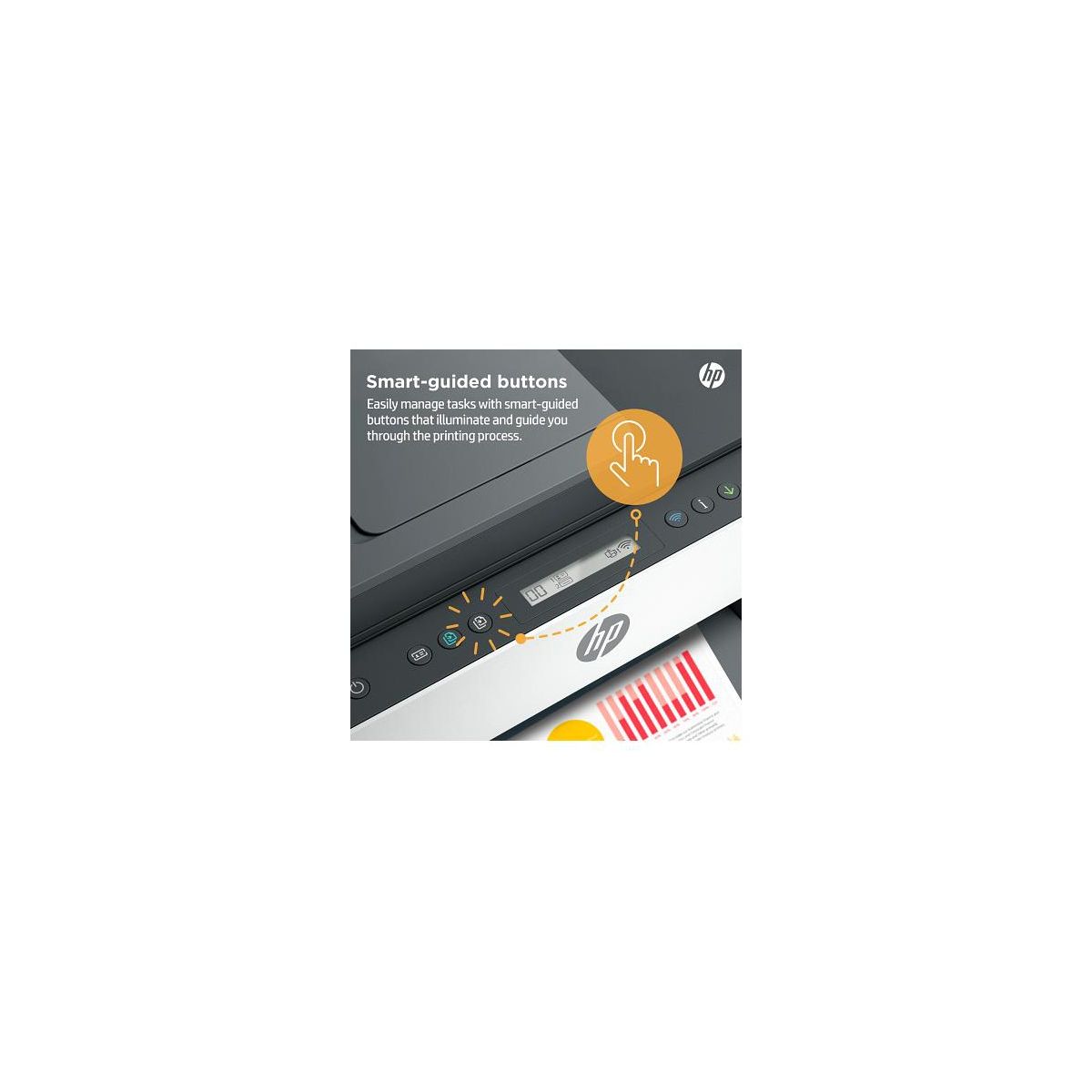
This HP Smart Tank 7301 was super easy to install. I wanted something that is more or less plug and play and this HP printer did that. The diagrams were easy to understand and follow. I love the scanning feature. I especially like that it will do both sides of the document. The buttons are easyto use. Even my geriatric mother figured out how to copy some photos. The output quality is as expected. Not perfect for photos but great for graphs/charts and documents.

Showing 10 of 27 reviews

Similar products
You may be interested
  • Bestsellers
  • Recently Viewed
 
Fast and high quality delivery

Our company makes delivery all over the country

Quality assurance and service

We offer only those goods, in which quality we are sure

Returns within 30 days

You have 30 days to test your purchase